At a Glance
- Digital notebooks can cost hundreds but offer long battery life.
- ReMarkable Paper Pro and Kindle Scribe lead the top-tier market.
- Smart pens like Neo Smartpen M1+ sync notes directly to cloud.
- Why it matters: Pick the right device for your budget, workflow, and ecosystem.
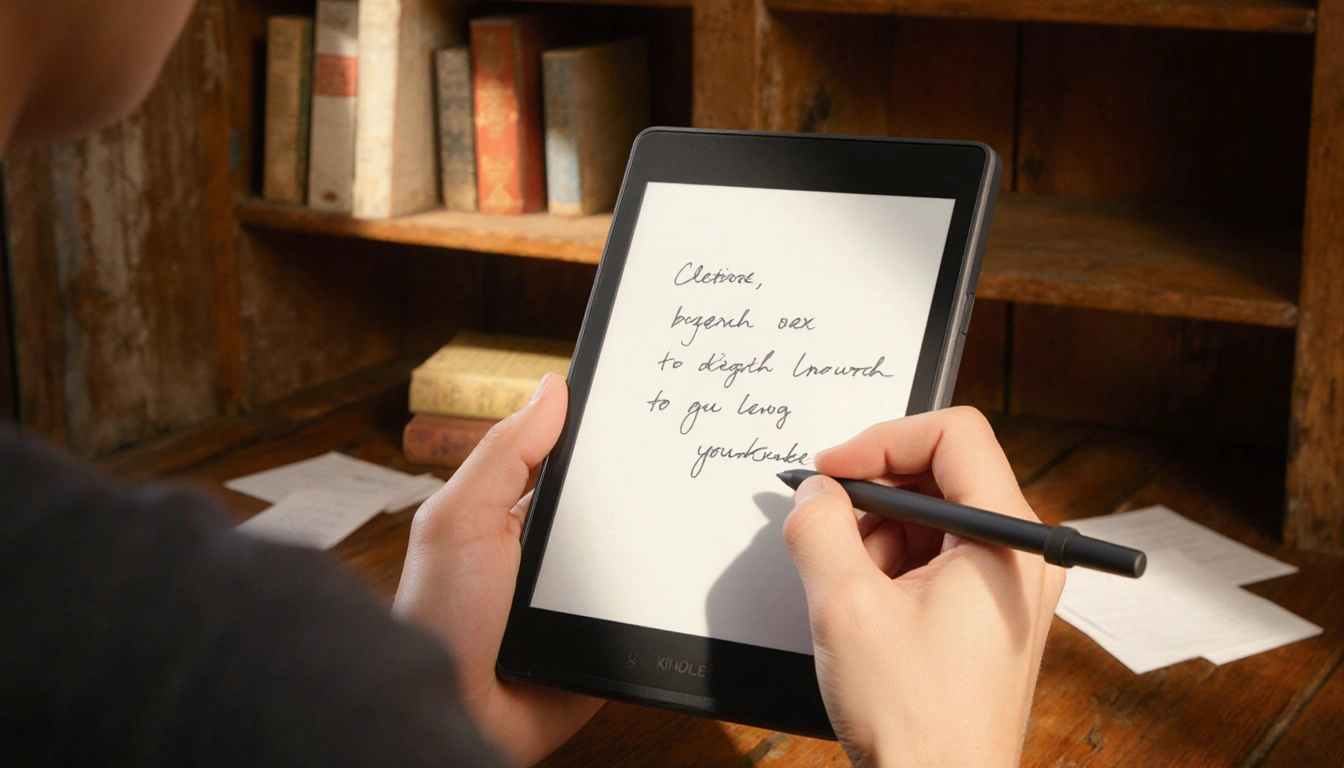
Digital notebooks have surged in popularity, yet choosing the right one can feel overwhelming. Below we compare leading models, highlight smart-pen options, and share key takeaways to help you decide.
Top Digital Notebook Models
The following table shows key specs for the most popular devices.
| Model | Display | Resolution | Color? | Storage | Weight | Battery life |
|---|---|---|---|---|---|---|
| ReMarkable Paper Pro | 10.8 inches | 229 ppi | Yes | 64 GB | 1.16 lb | Up to 2 weeks |
| ReMarkable Paper Pro Move | 7.3 inches | 264 ppi | Yes | 64 GB | 0.51 lb | Up to 2 weeks |
| Kindle Scribe | 10.2 inches | 300 ppi | No | 16, 32, 64 GB | 0.96 lb | Up to 12 weeks |
| Kobo Libra Color | 7 inches | 300 ppi (black), 150 ppi (color) | Yes | 32 GB | 0.44 lb | About a month |
| ReMarkable 29.7 | 226 ppi | No | 8 GB | 0.89 lb | Up to 2 weeks | |
| Supernote A5 Manta X | 210.7 inches | 300 ppi | No | 32 GB | 0.83 lb | Under a week |
| Boox Note Air C | 10.3 inches | 300 ppi (black), 150 ppi (color) | Yes | 6 GB / 64 GB | 0.92 lb | Undetermined |
Key observations
- Battery life tops out at 12 weeks with the Kindle Scribe.
- Weight ranges from 0.44 lb (Kobo) to 1.16 lb (ReMarkable Paper Pro).
- Storage options are limited to 64 GB or less on most models.
Smart Pen Options
Smart pens pair with compatible notebooks to digitize handwriting. Below are the most popular choices.
- Neo Smartpen M1+ ($129)
- Thinnest and lightest of the tested pens.
- Comfortable grip and adjustable ink color/line thickness.
- Works with the Neo Studio app (iOS, Android).
Julia N. Fairmont said:
> “The Neo Smartpen M1+ feels like a standard pen while still offering digital convenience.”
- Moleskine Smart Writing Set ($279)
- Bundle of notebook and pen; pen sold separately.
- Notes appear instantly in the Moleskine Notes 2.0 app.
Julia N. Fairmont said:
> “The app is easy to use once I settled into it, and the pop-up reminds me that version 2.0 is still in progress.”
- Neo Smartpen Dimo ($59)
- Cheapest option, uses replaceable batteries.
- Lacks calendar integration.
- Rocketbook Fusion Plus ($38)
- Reusable notebook with erasable Pilot Frixion Pen.
- Syncs to Google Drive, Slack, OneNote, and more.
- Supernote A6 X2 Nomad ($394, with Standard Pen)
- Compact 6 × 7.5 inches; good for quick notes.
- Shares software and pen compatibility with A5 Manta.
- Montblanc Digital Paper ($905)
- Premium pen with three customizable buttons.
- No eraser; includes a home button.
Honorable Mentions
- Boox Note Air 3 C ($450) – solid performer, now replaced by Note Air 4 C ($530).
- Kindle Scribe Color ($630) and Kindle Scribe (3rd Gen) ($500) – excellent all-rounders but pricey.
- ReMarkable 29.7 – large 29.7 inch model, 8 GB storage, 0.89 lb.
FAQs
- Do I need a digital notebook?
- No; they are expensive compared to paper, but useful if you need digital copies.
- Are smart pens expensive?
- Yes, most cost several hundred dollars, though the Dimo is an affordable alternative.
- Can I use an iPad instead?
- iPads offer more apps and a longer battery life, but e-ink notebooks are easier on the eyes.
Key Takeaways
- ReMarkable Paper Pro and Kindle Scribe lead the market with long battery life and robust ecosystems.
- Neo Smartpen M1+ is the lightest, most comfortable smart pen for syncing handwriting.
- Smart-pen options range from premium ($905) to budget ($38) with varying features.
Digital notebooks and smart pens offer a blend of tactile writing and digital convenience-choose the right pair for your workflow and budget.