

At a Glance
- Dell 27 Plus 4K delivers sharp 4K visuals at a price below $500.
- OLED and Mini-LED monitors now offer high contrast and HDR brightness.
- Adjustability, ports, and pricing vary widely across the market.
- Why it matters: Choosing the right monitor balances performance, features, and budget for home or gaming use.
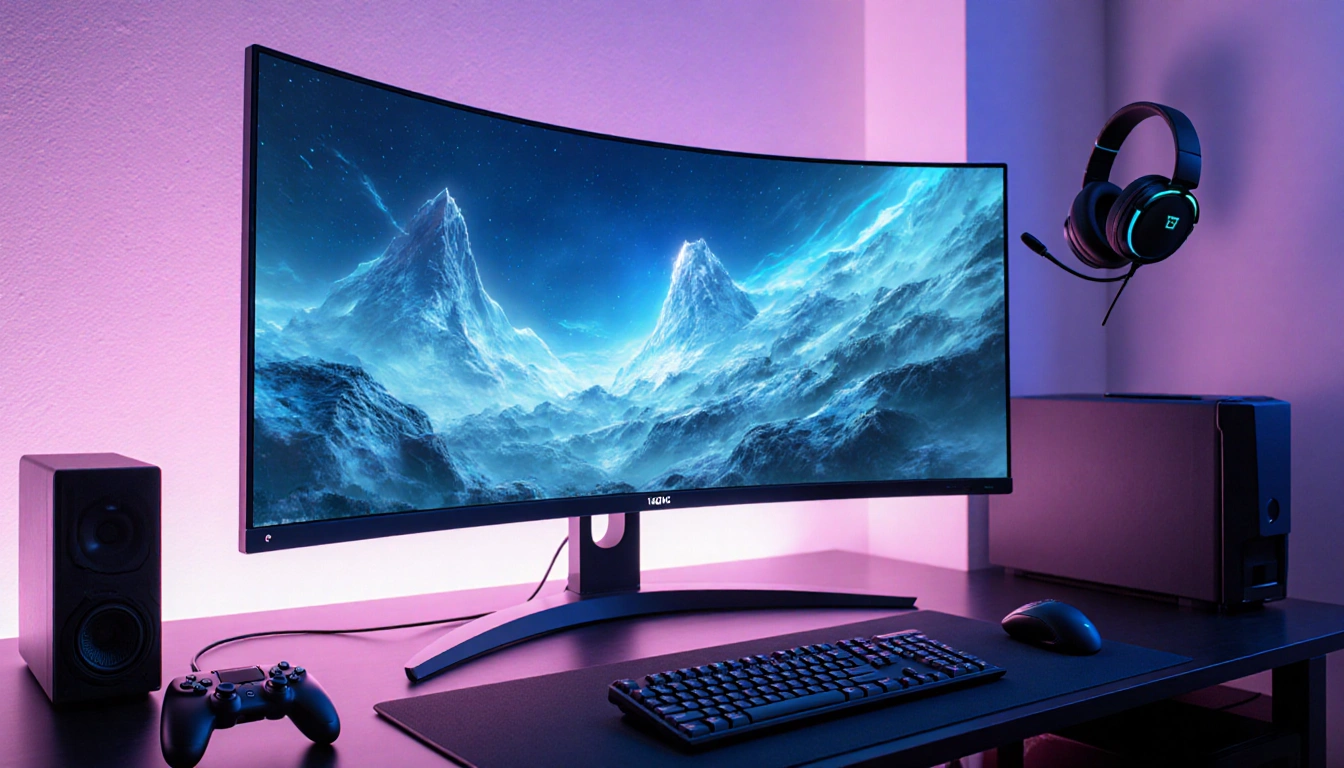
The monitor market has exploded with new panels, sizes, and features, making it hard to pick the best option. This guide breaks down the key choices and shows why Dell 27 Plus 4K stands out for its price and quality.
Panel Types
Modern monitors use three main panel technologies: LED, OLED, and Mini-LED. Each offers distinct benefits and trade-offs in color accuracy, contrast, and brightness.
- LED – the most common and affordable backlight type, typically using IPS, VA, or TN LCDs.
- OLED – pixel-level illumination gives infinite contrast and up to 1,000 nits HDR brightness.
- Mini-LED – intermediate between LED and OLED, using many dimming zones for better contrast.
Aspect Ratio & Shape
Standard 16:9 panels still dominate, but ultrawide and super-ultrawide formats are growing in popularity. Curved screens add immersion, especially for gaming.
- 16:9 – the classic ratio for most PCs and TVs.
- 21:9 – ultrawide monitors, often 34 inches, great for multitasking or gaming.
- 32:9 – super-ultrawide, typically 45-49 inches, suited for niche workflows.
Size, Resolution & Refresh Rate
Pixel density, or ppi, determines how sharp a screen looks at a given size. Refresh rate measures how many times per second the display updates, affecting motion smoothness.
| Size | Resolution | PPI |
|---|---|---|
| 25-27″ | 1920×1080 | 88-82 |
| 27″ | 2560×1440 | 117 |
| 27″ | 3840×2160 | 163 |
| 32″ | 5120×2880 | 218 |
| 34″ | 6144×3160 | 256 |
Higher refresh rates (120 Hz or more) smooth animations and are now common on mainstream monitors, while 240 Hz and above mainly benefit competitive gamers.
Adjustability, Ports & Pricing
Ergonomics, connectivity, and cost vary across the lineup. A good monitor should let you adjust height, tilt, swivel, and sometimes rotate, and it should include modern ports.
- Height, swivel, tilt, and rotate adjustability options.
- HDMI, DisplayPort, USB-C, and built-in USB hubs for connectivity.
- Prices range from under $100 to $5,000 for high-end models like the Apple Pro Display XDR.
Dell 27 Plus 4K is a standout because it combines a 4K panel, solid ergonomics, and a price under $500.
Key Takeaways
- Dell 27 Plus 4K offers the best balance of price and performance for most users.
- OLED panels provide the highest contrast but come at a higher cost and potential burn-in risk.
- Mini-LED monitors bridge the gap, offering better brightness than OLED with fewer burn-in concerns.
Choosing a monitor now means weighing panel technology, size, resolution, and price to fit your specific needs.