> At a Glance
> – File systems on Android and iOS now give easy local access.
> – Built-in Files apps let you browse, sort, and clean storage.
> – Features include Safe folder, Clean tool, cloud integration, and 30-day trash.
> – Why it matters: Gives users control to free space and manage files like on a desktop.
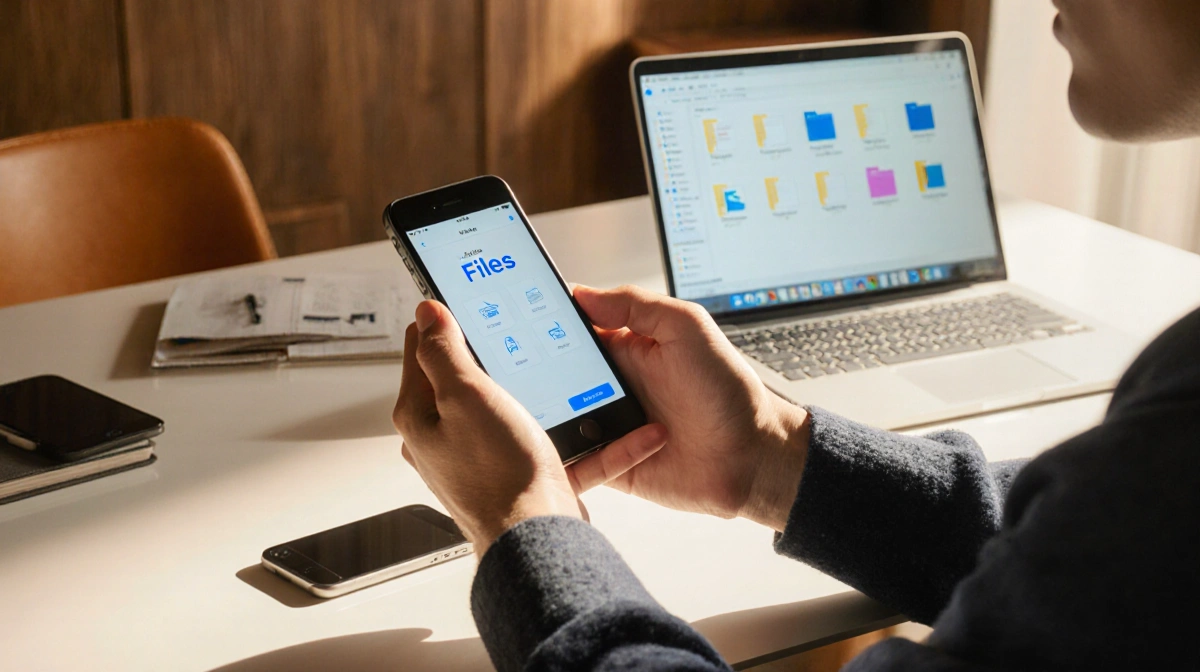
Phones have moved from hidden storage to user-friendly file management. Both Android and iOS now ship with built-in Files apps that let you browse local and cloud folders, sort items, and delete junk.
Files on Android
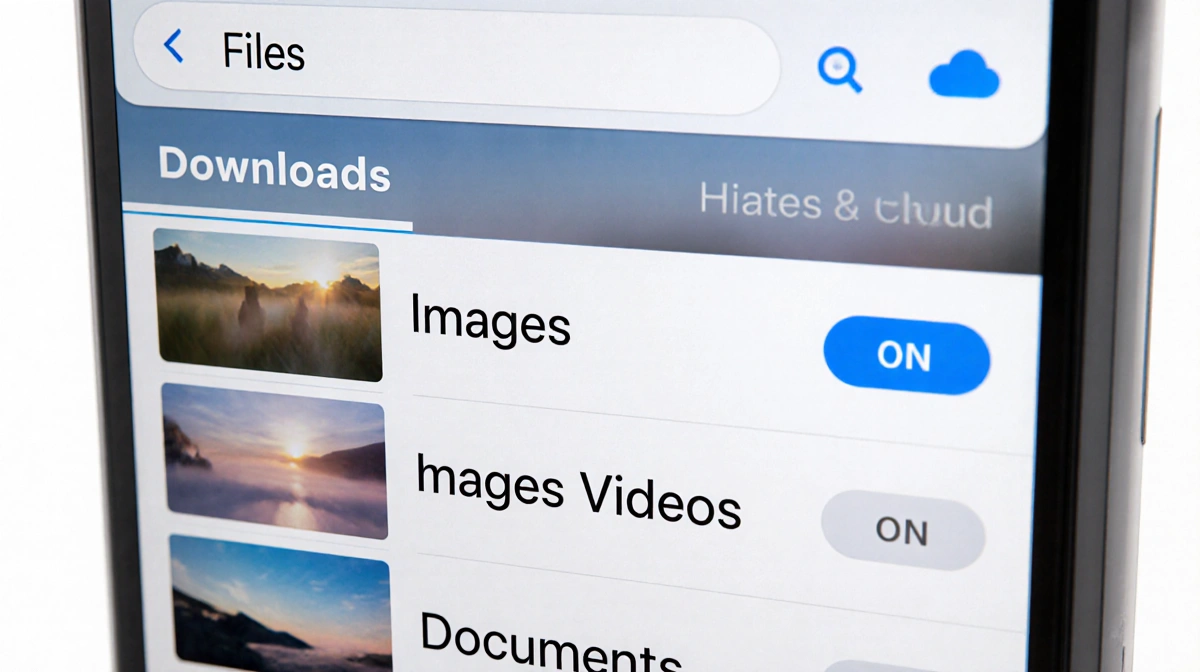
Android’s preinstalled Files app opens to recent files and categories such as Downloads, Images, Videos, and Documents. You can search, view every folder, and access cloud accounts.
- Internal storage button for full folder tree
- Other storage button for connected cloud services
- Safe folder protected with PIN
- Grid/list view toggle and sort options
- Clean tool for suggested deletions
- 30-day Trash before permanent deletion
Files on iOS
Apple’s Files app presents Recents, Shared, and Browse tabs. Browse gives access to iCloud Drive, On My iPhone, and third-party clouds, plus recently deleted and tagged files.
- Search box at top
- Icons or List view toggle
- Select, New Folder, Rename, Move, Share, Delete
- 30-day Recently Deleted folder
- Ability to download iCloud files to device for offline use
Feature Comparison
| Feature | Android | iOS |
|---|---|---|
| Safe folder | Yes | No |
| Clean tool | Yes | No |
| Trash retention | 30 days | 30 days |
| Cloud integration | Internal + cloud | iCloud + third-party |
| View toggle | Grid / List | Icons / List |
Key Takeaways
- Android’s Files app offers a Safe folder and Clean tool not found on iOS.
- Both systems keep deleted items for 30 days before permanent removal.
- iOS relies on iCloud and third-party clouds, while Android supports a broader range of connected services.
These tools give users desktop-like control over their phone storage.