
At a Glance
- Mini Arcade Pro flips the Switch’s L and ZL buttons to the right side of its 8-button layout, mirroring arcade stick conventions.
- It performs well in 2D fighters like Ultra Street Fighter II but is unsuitable for competitive play.
- The Turbo button, poor imagery, and Switch-2 compatibility issues limit its appeal to casual retro enthusiasts.
- Why it matters: Gamers buying a handheld arcade controller should know its strengths and weaknesses before buying.
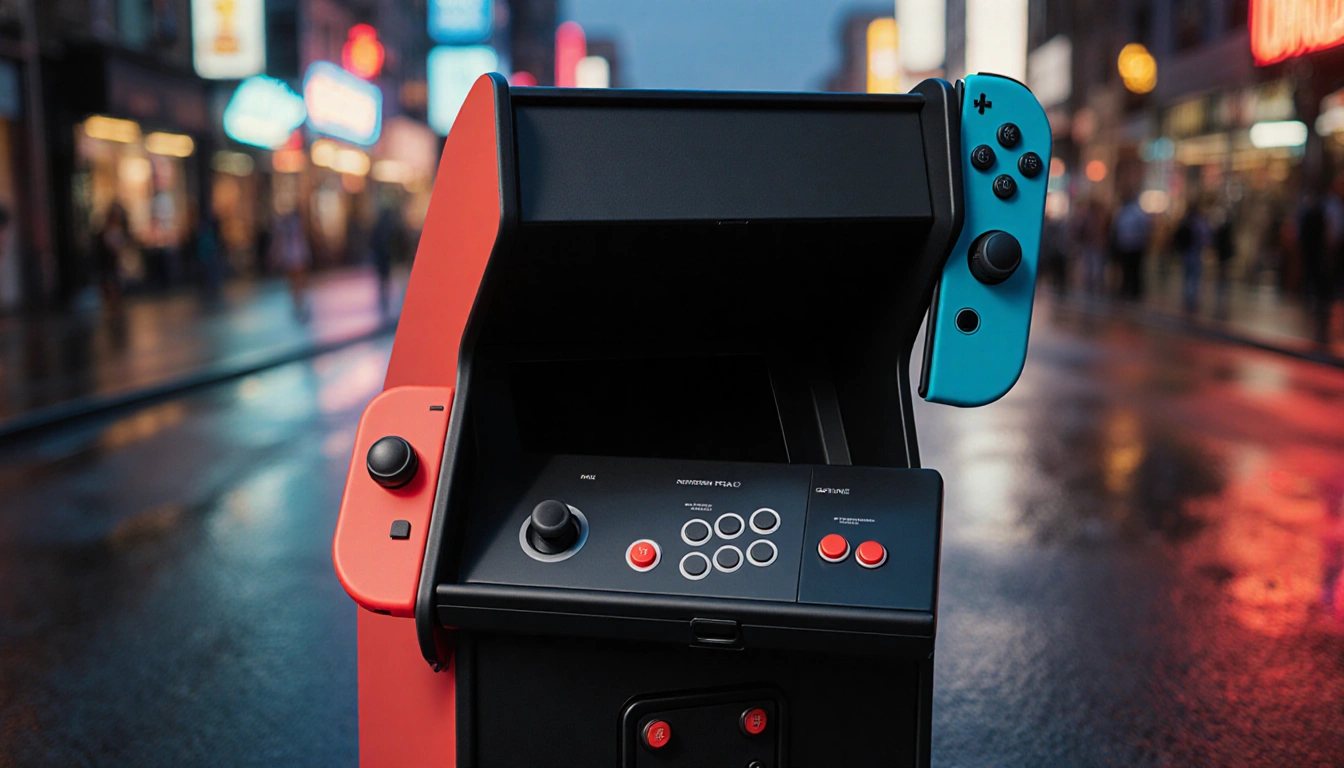
The Mini Arcade Pro, a handheld arcade controller for the Switch, surprises by flipping the left shoulder buttons to the right side of its 8-button layout. While the design works nicely for classic 2D fighters, it falls short in competitive settings and has several practical limitations.
Photograph: Isaac Y. Thornwell
Design and Button Layout
The controller’s layout places the Switch’s L and ZL buttons on the right side, while R and ZR sit on the left. This arrangement mirrors the button placement found on many arcade sticks, making it feel familiar to veteran players.
- Left shoulder buttons L and ZL positioned on the right side
- Right shoulder buttons R and ZR positioned on the left
- B, A, ZR, Y, X, and R line up in rows, mirroring the classic six-button layout
Performance in Fighting Games
For 2D fighters such as Ultra Street Fighter II, the Mini Arcade Pro’s layout matches the game’s light, medium, and heavy punch and kick inputs. The joystick feels solid, and the button arrangement allows combos to flow naturally.
- Works well in classic 2D fighters
- Joystick feels great
- Turbo feature useful for shooters
Limitations and Control Issues
Competitive play reveals several shortcomings. The controller’s inputs can be overly sensitive, producing multiple signals from a single press. These “twitchy” controls make it hard to execute precise moves.
- Not tournament-grade
- Occasional twitchy inputs
- Sensitive button behavior
Best Use Cases
The Mini Arcade Pro shines with arcade puzzlers, shooters, and side-scrolling beat-em-ups. Games like Golden Axe, Capcom Beat-Em-Up Bundle, Namco Museum’s Splatterhouse, Pac-Man, and Galaga all run smoothly. The Turbo button-hold it, then the desired input, and press again to toggle-adds power to shooters.
| Game Type | Performance |
|---|---|
| 2D Fighters | Good |
| Arcade Puzzlers | Good |
| Shooters | Good (Turbo) |
| Beat-em-ups | Good |
| Competitive Play | Poor |
The controller’s appeal diminishes for Switch-2 users due to hoops needed for compatibility and the low-quality imagery that covers the device.
Key Takeaways
- Mini Arcade Pro flips Switch buttons for a classic arcade feel.
- It excels in 2D fighters and casual arcade titles.
- Competitive play is hampered by twitchy controls and poor compatibility.
In short, the Mini Arcade Pro is a fun, nostalgic accessory for casual play but falls short for serious competitive gamers and Switch-2 users.