
At a Glance
- Reddit rolls out new profile-curation controls that let users hide activity and control follower visibility.
- Users can toggle NSFW content off and choose to display or hide follower counts.
- Options include Show all, Hide all, and a customizable per-subreddit view.
- Why it matters: These settings give Redditors granular privacy control over what appears on their public profile.
Reddit has introduced a suite of profile-curation options that give users granular control over the activity displayed on their public page. The changes let people hide posts, comments, and even follower counts, and they can now toggle out NSFW content.
How to Access the New Settings
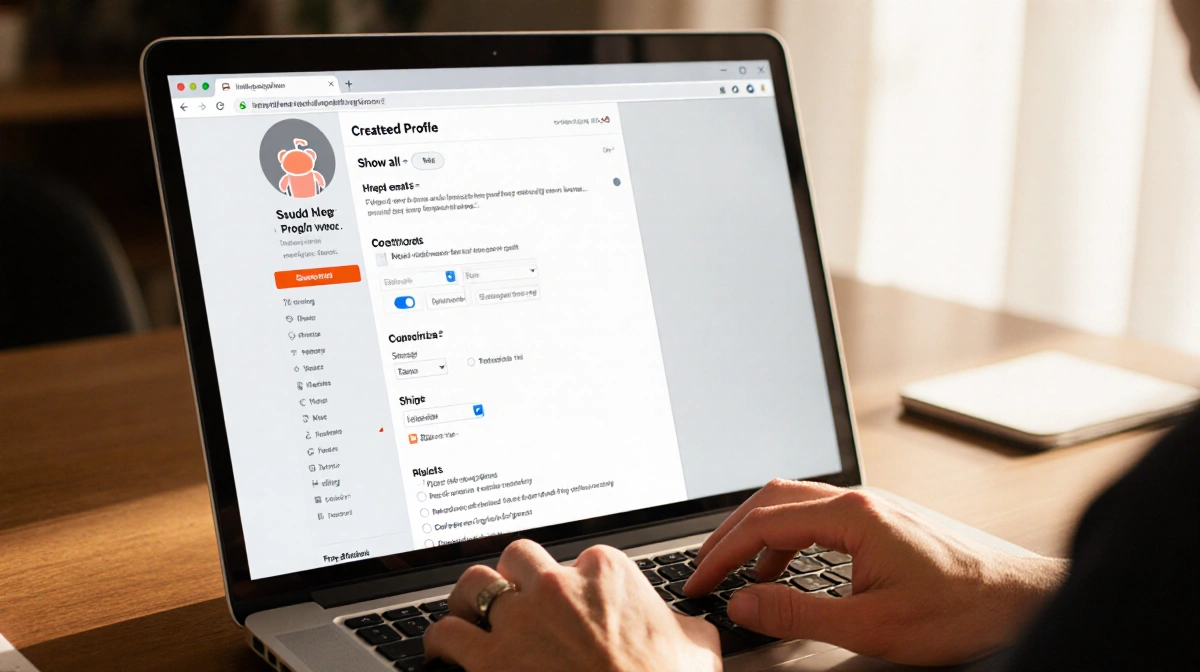
On a desktop browser, click your avatar in the upper-right corner, then select “View Profile” to see the profile page. From there, click the “Update” button beside “Curate your profile” to open the new options. The interface is also available in the official Reddit app on Android and iOS.
- Profile and Avatar options for display name, picture, social links, and notification preferences.
- Privacy tab lets you hide the profile from searches, control chat requests, and set visibility of followers.
- Curate your profile provides toggles for NSFW content and follower visibility, plus a dropdown to show all, hide all, or customize activity.
What the Toggles Do
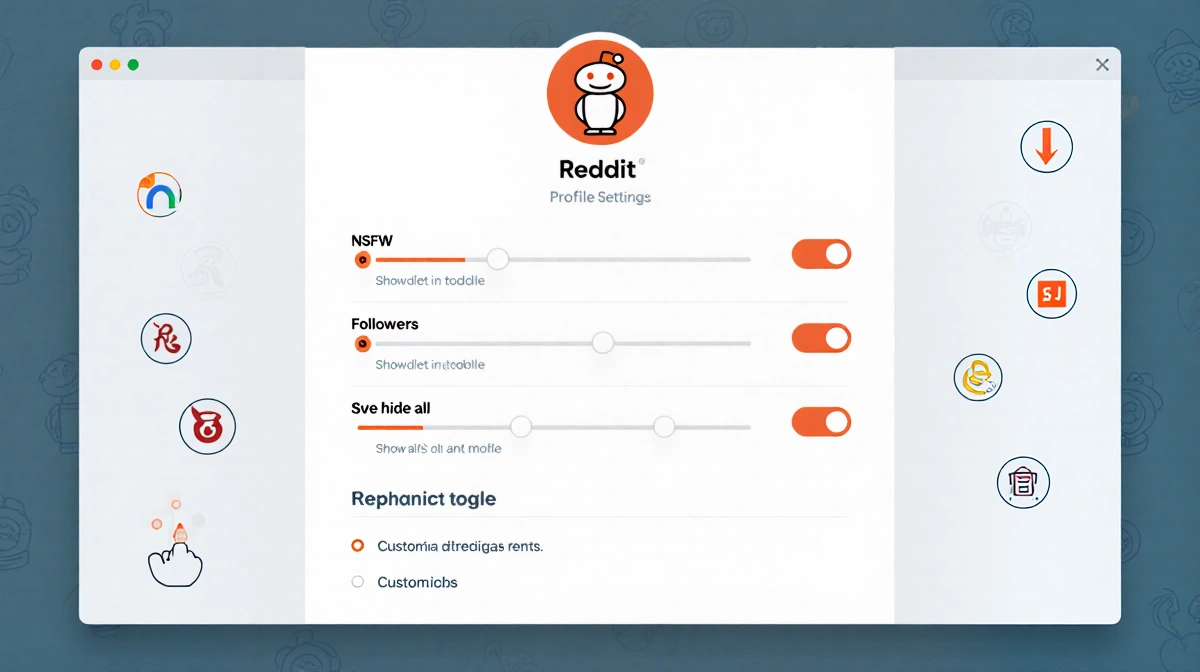
The NSFW toggle hides all content marked as adult from your profile, but it does not affect subreddits you have merely viewed. The Followers toggle lets you choose whether visitors can see how many people follow you and who those followers are. The Show all option displays every post and comment on your profile. The Hide all option removes all activity from the page. The Customize option opens a dialog listing every subreddit where you have posted or commented, letting you check or uncheck each community to control visibility.
Managing Your Settings
You can change these settings anytime from either the web interface or the official Reddit app on Android or iOS. Tap your avatar, then “Curate your profile” or “Settings” to adjust your display.
Key Takeaways
- New Reddit settings give users granular control over public profile content.
- NSFW and follower toggles help keep sensitive information private.
- The customize option allows selective visibility per subreddit.
With these tools, Reddit users can tailor their online presence to match their privacy preferences, ensuring that only the content they want to share is visible to others.